





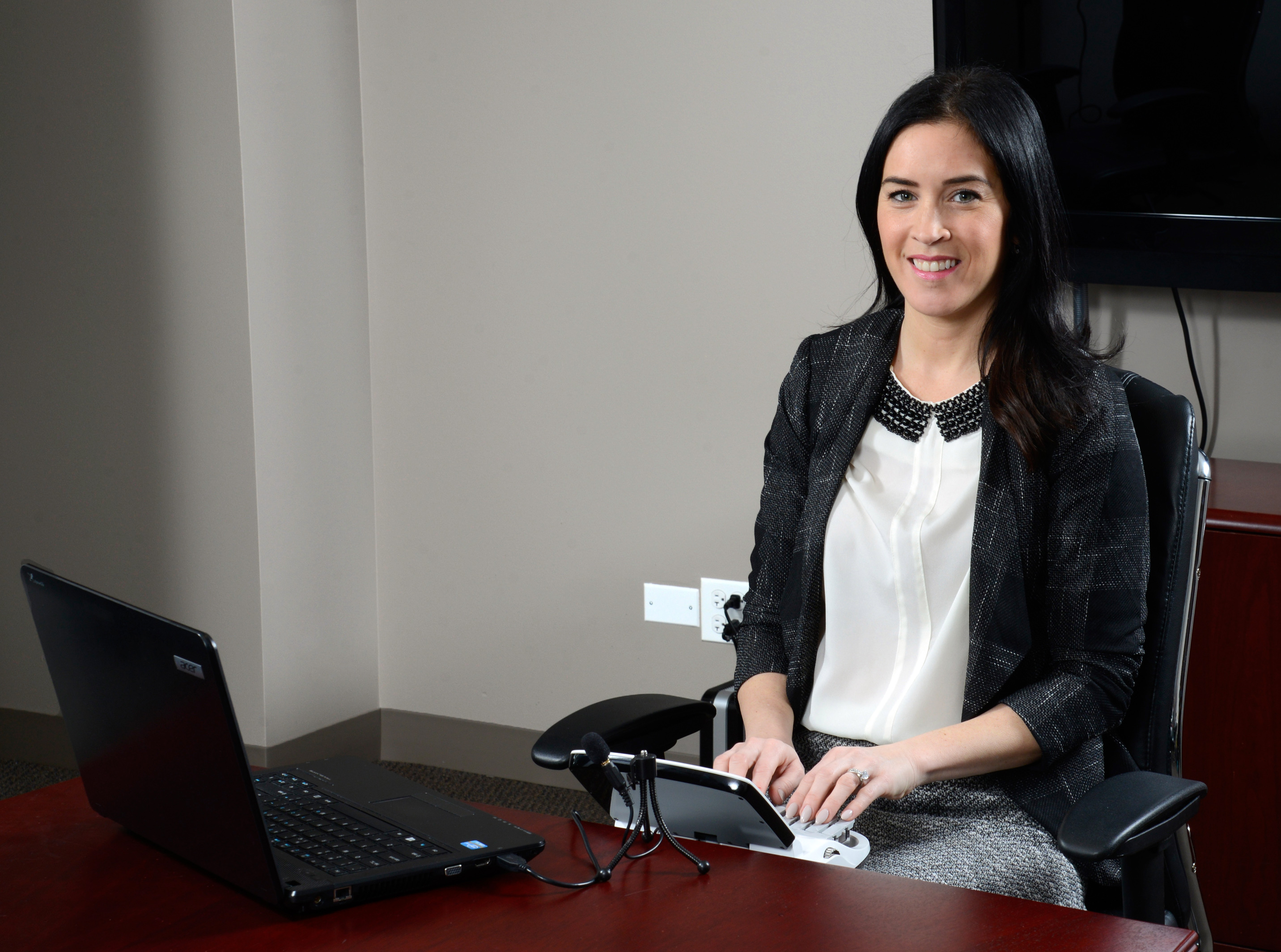
New Computer Setup Assistance
Getting a new computer set up can be challenging, especially when you add the unique requirements of court reporting. Stenograph has several options to assist our Edge for CATalyst customers.
Over-the-Phone Assistance $309
You will schedule a time to work with an expert technical support representative over the phone. The representative will use GoToAssist to take control of your computer and perform the computer setup.
The Services Performed
- Installation of CATalyst
- Transfer of CATalyst files to the new computer
- Installation of any applicable OS and CATalyst updates
- Adjustment of power management settings
- Installation of all necessary driver software
- Adjustment of installed antivirus software
Get Started
Contact Technical Support to schedule an appointment by calling 800-323-4247 or emailing support@stenograph.com. Appointments are typically available Tuesday–Friday, 10 a.m. CT, 10:30 a.m. CT, 3 p.m. CT, or 3:30 p.m. CT.

Loading